

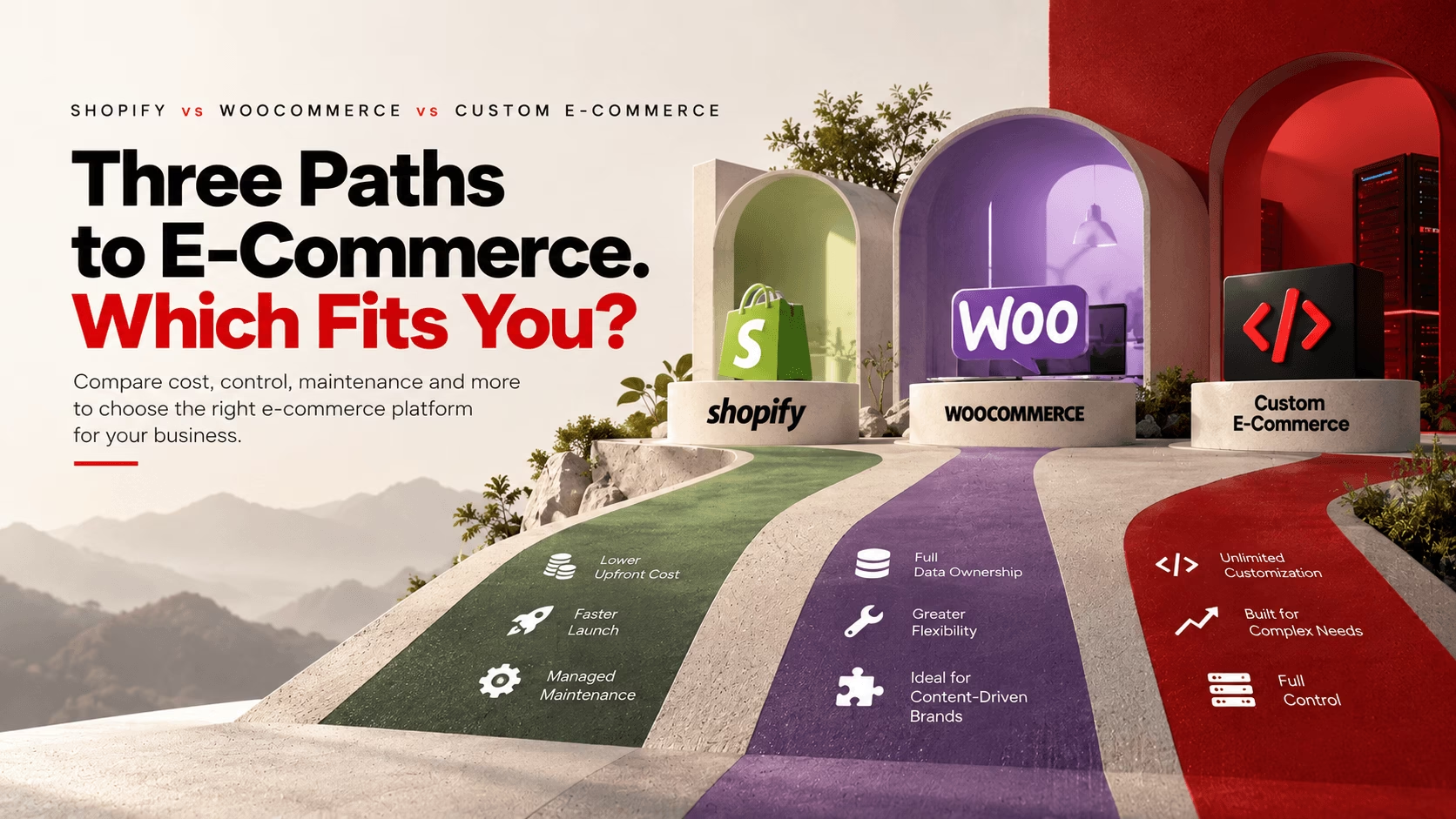
Shopify, WooCommerce, and custom e-commerce builds solve the same problem in three different ways, and each comes with a different set of trade-offs in cost, control, and maintenance. This guide breaks down how each platform performs against the criteria that matter most, so you can match the right one to your team and budget.
The Core Evaluation Criteria
Skip the generic feature checklist. Evaluate platforms across six factors instead:
- Total Cost of Ownership (TCO): Platform fees, payment processor markups, mandatory app subscriptions, hosting, and developer maintenance combined.
- Time to Market & Agility: How fast can you launch, pivot, or add new promotional workflows without breaking your existing build?
- Customization & Architectural Ceiling: Can the system handle complex business logic, custom pricing tiers, or unusual ERP/CRM integrations?
- Maintenance & Infrastructure Overhead: How much ongoing effort is required to maintain hosting, performance, security, updates, and overall platform reliability?
- Data Ownership & Platform Lock-In: Do you control your code, customer data, and checkout logic, or are you renting space on someone else’s server?
- Conversion Infrastructure: How fast, secure, and friction-free is the checkout experience out of the box?
1. Shopify: The Managed Option
Shopify handles hosting, security, and PCI compliance for you. In exchange, you work within its structure rather than modifying the core system.
What that looks like in practice: Shopify’s infrastructure scales automatically during traffic surges, and the standard checkout is well optimized for conversion. But the low starting price can be misleading. As your store grows, adding paid apps for subscriptions, loyalty programs, advanced search, custom product options, analytics, and other functionality can significantly increase your monthly costs. If you use a third-party payment gateway instead of Shopify Payments, you’ll also pay an extra transaction fee on every sale.
Best for: Direct-to-consumer brands, fast-moving retailers, and teams that want to focus on marketing and product rather than server maintenance.
The trade-off: Platform lock-in, limited checkout customization on lower-tier plans, and app costs that climb as you scale.
2. WooCommerce: The Flexible Option
WooCommerce is a free, open-source e-commerce plugin for WordPress. The software itself doesn’t charge platform transaction fees, and you get full access to the database, source code, and thousands of plugins.
What that looks like in practice: The catch is maintenance. A fast WooCommerce store relies on quality hosting, properly configured caching, image optimization, regular updates, backups, and occasional database optimization. As you add plugins, “plugin bloat” can slow load times, open security gaps, or cause update conflicts that take the site down.
Best for: Content-heavy brands, businesses already built on WordPress, and merchants who want full data ownership without paying platform transaction fees.
The trade-off: Ongoing maintenance falls on you. Without technical staff or an agency on retainer, a bad plugin update can take your store offline during peak hours.
3. Custom E-Commerce: The Built-From-Scratch Option
A custom build typically uses frameworks such as Next.js, Laravel, Node.js, Django, or ASP.NET, with either a headless commerce engine or a fully custom backend. You design and build the system yourself.
What that looks like in practice: When off-the-shelf platforms hit their limits, a custom build removes those limits. You’re not constrained by theme templates or fixed database structures. You can build a fast, bespoke frontend, complex B2B pricing logic, and direct integrations with legacy inventory, ERP, and CRM systems. The cost is that you’re responsible for the overall architecture and ongoing maintenance, even if individual infrastructure components are managed services. This isn’t a one-time project. It’s an ongoing software asset that needs a dedicated development team to patch, update, and support.
Best for: Enterprise operations, complex B2B platforms with dynamic pricing, unusual fulfillment workflows, or high-volume stores where platform fees outweigh the cost of an in-house dev team.
The trade-off: High upfront investment, a longer launch timeline, and full dependence on development resources for even minor changes.
The Landscape at a Glance
| Criteria | Shopify | WooCommerce | Custom Build |
| Speed to Launch | Very Fast (Days/Weeks) | Fast to Moderate (Weeks) | Slow (Months) |
| Code & Data Control | Limited | Full | Full |
| Maintenance Burden | Low | Moderate to High | High, requires devs |
| Customization Limits | Theme/App Bound | High (Open Source) | Limited only by development resources |
| Platform Transaction Fees | Yes (if external gateways used) | None | None |
| Security & PCI | Managed by Shopify | Shared responsibility | Your responsibility |
How to Make the Call
There’s no universal “best” platform. Ask what trade-offs your business can actually tolerate right now:
- Choose Shopify if your core strength is marketing and sales, you want zero infrastructure work, and your business fits standard e-commerce patterns.
- Choose WooCommerce if you need content flexibility, full data ownership, and reliable engineering support for regular updates.
- Choose Custom if platform limitations are actively hurting your operations, or your checkout and backend needs are too complex for off-the-shelf software.
Need Help Navigating the Build?
Platform decisions are hard to reverse once you’ve built on top of them. If you want a second opinion before you commit, Parel Creative works across Shopify, WooCommerce, and custom builds and can help you think through the trade-offs for your specific business. Get in touch at parel.co.