

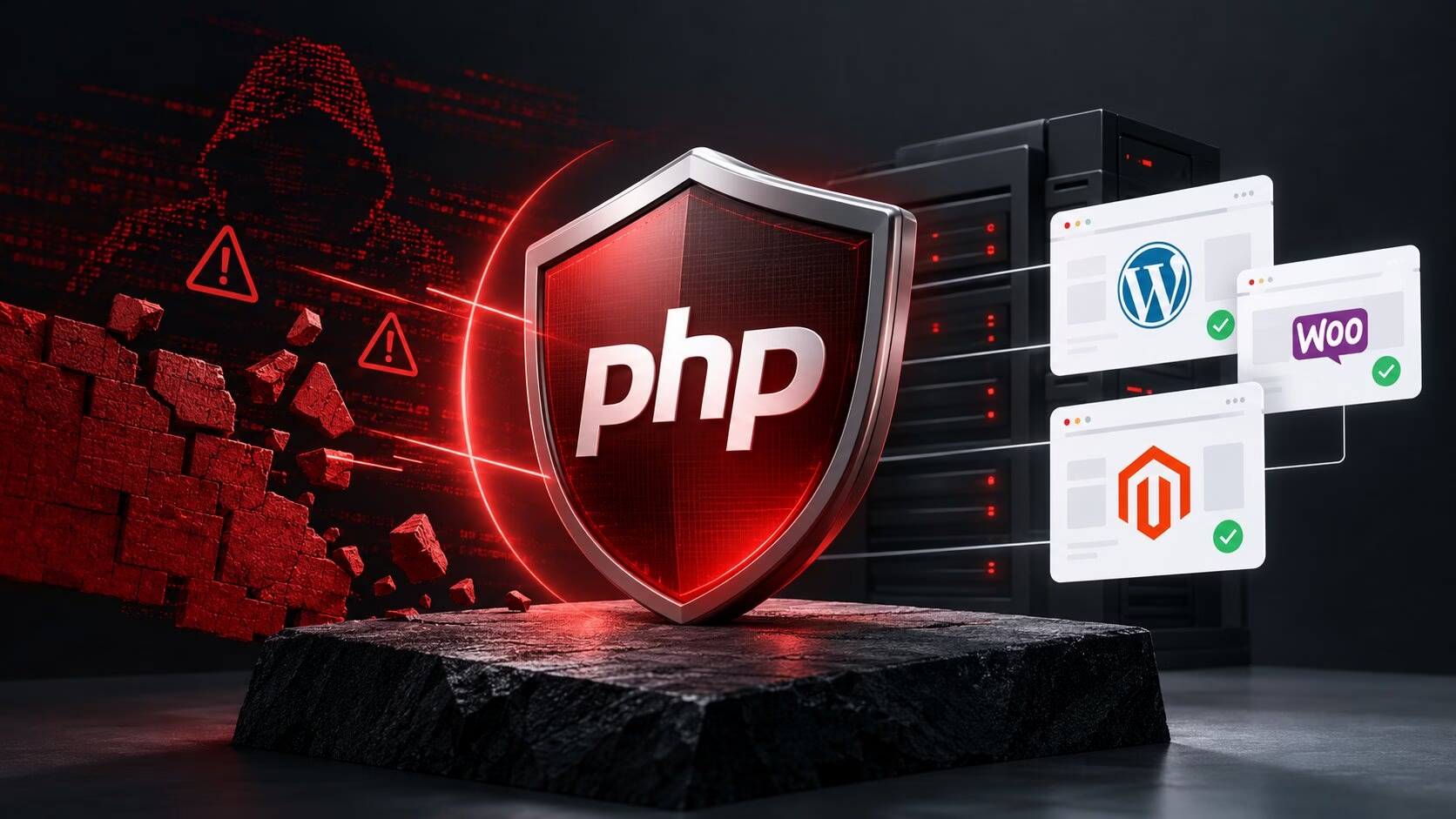
On October 21, 2026, the PHP project released emergency security updates for two critical remote code execution flaws, CVE-2026-109618 and CVE-2026-109619, now widely known as php2shell. Both are rated 9.2 out of 10 on the CVSS severity scale and could let an attacker run code on a server without logging in. PHP powers an estimated 70% of websites, including many built on WordPress, WooCommerce and Magento, so this mattered to a lot of businesses.
Here is how we handled it:
Why php2shell was different
The flaws are in PHP itself, not in any one website or plugin. That means updating a site’s code or CMS does not fix them. The fix has to happen on the server, so the first question for every site was who manages that server and which PHP versions it runs.
What we did
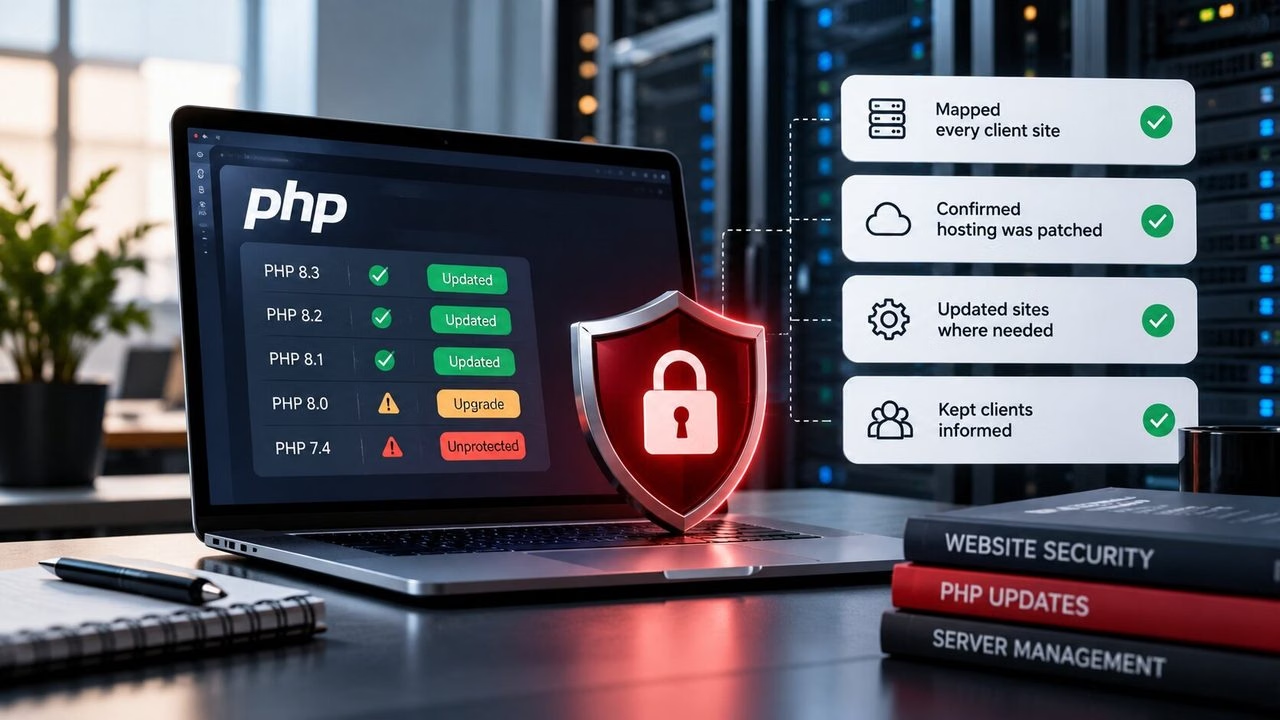
1. Mapped every client site.
We identified where each website we build or maintain is hosted and which PHP version it runs, since the fix depends on both.
2. Confirmed the managed hosting was patched.
Sites on managed hosting were covered by their provider, who applies security patches at server level. We verified this rather than assuming it, including for sites on hosting plans we had recommended to clients. Hostinger, for example, has published details of the protections it rolled out on its managed plans.
3. Followed up where hosts needed action from us.
Hosting providers don’t all handle older PHP versions the same way. Some only patch versions above a certain minimum, which leaves any site running something older unprotected unless we upgrade it. We checked each provider’s patching policy against the PHP versions our clients’ sites were running, flagged every site that fell below the cut-off, and added those sites to our upgrade list.
4. Kept clients informed.
We emailed clients to explain what had happened, what we were doing about it, and whether anything was needed from them.
5. Patched the sites that managed hosting didn’t cover.
For sites on hosting where patching was down to us, we worked through them directly, updating PHP to a patched or supported version and checking that each site kept working afterwards. Some older sites need compatibility testing before they can move to a newer PHP version, so we are taking those in stages rather than risking a broken site.
6. Tightened our own security.
The incident prompted us to review the tools we use to manage credentials. We retired our older internal password tool, which could not run on current PHP versions, and replaced it with a new password manager built on Vaultwarden, an open-source server compatible with Bitwarden’s apps and browser extensions, hosted on our own infrastructure. It adds:
- Encryption on your own device before data reaches the server, so stored passwords can’t be read without the master password.
- Two-factor login with an authenticator app, email, security key or passkey.
- Per-collection access permissions for team sharing.
- Reports on weak, reused or exposed passwords.
- Expiring links for sharing sensitive text or files.
- Browser extensions plus mobile and desktop apps with autofill.
Update: a third PHP issue
On October 23, the PHP team published an informational advisory about a related issue, CVE-2026-115560. PHP describes it as an unlikely route to remote code execution that needs an unusual combination of configuration and application code. A fix will come in PHP’s next regular release, and PHP suggests turning off the session upload progress setting until then. Managed hosting providers are applying protections for this as well. We are monitoring PHP’s release schedule and will apply the fix to the sites we manage once it is available.
You can read PHP’s own notes in the official PHP news archive, and the full advisory for the two critical flaws for the technical details.
What businesses should check now
- Know your PHP version. Ask your developer or host what your site runs.
- Don’t rely on a CMS or plugin update alone. The PHP runtime itself has to be patched.
- Ask your host how they handle emergency patches, and whether they cover older PHP versions.
- If you manage your own server, such as a VPS, update PHP and apply PHP’s recommended setting, session.upload_progress.enabled turned off, then restart your PHP workers. Managed hosts usually do this for you.
- Move off unsupported PHP versions. Versions that no longer receive official fixes depend on your host’s backports, and PHP 8.2 itself reaches end of life on December 31, 2026.
- Use a password manager with two-factor authentication for everyone who has access to your site.
Need help with your site?
If you’re not sure which PHP version your website runs, or you’d like someone to handle updates and security checks, our website maintenance services cover this kind of work. Get in touch and we’ll take a look.